By The Tom Buerger Team
Washington, D.C., is a city built on ambition, and that work ethic does not stop at the front door. Whether you run your own consulting firm or log long hours for a nonprofit, the odds are good that at least some of that work happens at home. And with more D.C. homeowners permanently embracing hybrid and remote arrangements, a functional, well-designed home office has gone from a nice-to-have to something that genuinely affects your productivity, your well-being, and the value of your home.
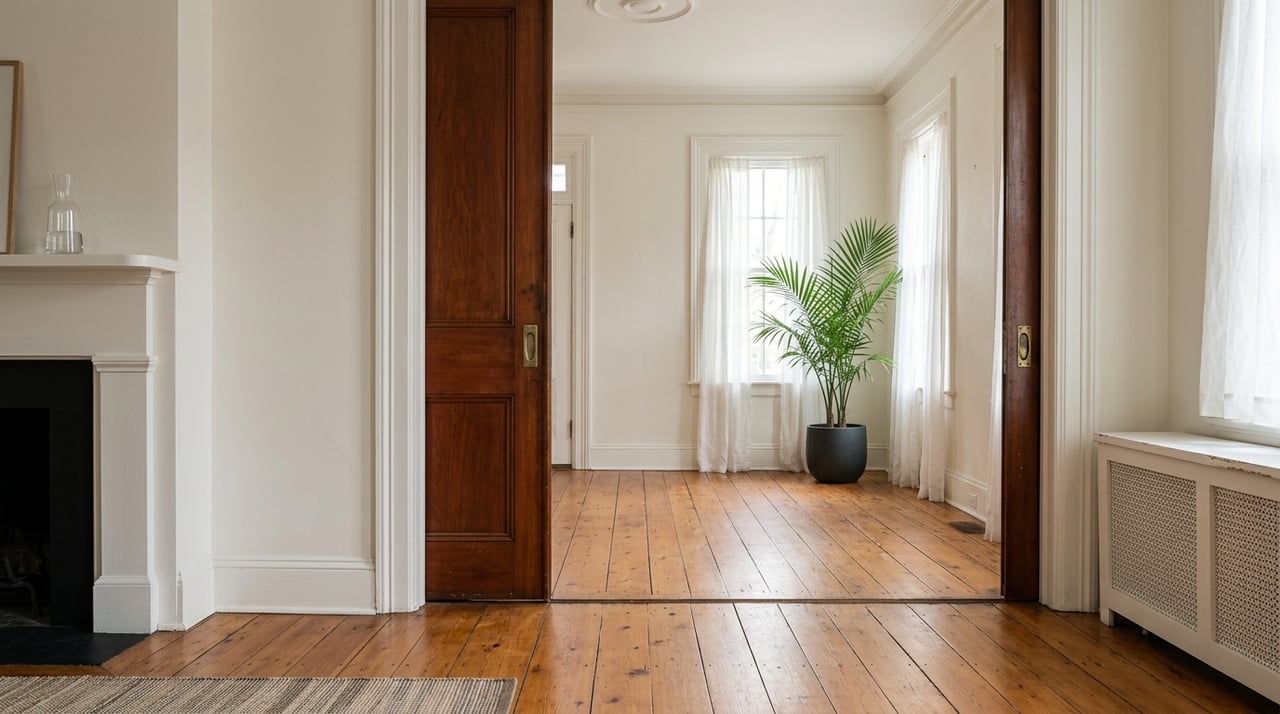
The challenge is that D.C. homes were not all built with modern work-from-home life in mind. Rowhouses in Capitol Hill, condos in Logan Circle, and older colonials in Chevy Chase come with their own architectural realities: limited square footage, thick plaster walls that may complicate Wi-Fi, and rooms that were designed for everything except a dual-monitor setup. Designing a home office here requires a bit more intention than simply buying a desk and calling it a day.
The good news is that the same features that make D.C. homes so charming can make your workspace feel elevated and professional. With the right design approach, you can carve out a space that is inspiring to work in, practical for video calls, and a true asset when it comes time to sell.
Key Takeaways
- D.C.'s older housing stock requires specific planning for connectivity, acoustics, and lighting that newer construction may not need.
- Dedicating a whole room to your home office adds more value in the D.C. real estate market than a desk tucked into a corner of a bedroom.
- Lighting design, including both natural and layered artificial light, is one of the most overlooked elements of a productive workspace.
- Soundproofing solutions are especially important in attached rowhouses and multi-unit buildings throughout the city.
- Thoughtful storage keeps your space looking polished on video calls and helps maintain resale appeal.
Choosing the Right Room for Your Home Office
The first and most important decision is where your office actually lives. This often means working with what you have rather than building from scratch, so the choice of room matters more than you might expect. A spare bedroom on a quieter side of the house will almost always outperform a converted dining room that sits directly off the main living area.
If you live in a rowhouse, pay attention to which walls are shared with neighbors. Sound travels in attached homes, and positioning your workspace against an exterior wall rather than a party wall can meaningfully reduce the noise you hear during calls and the noise your household generates for neighbors. Upper-floor rooms also tend to be quieter and benefit from better natural light, particularly in homes where mature trees or nearby buildings shade the ground floor.
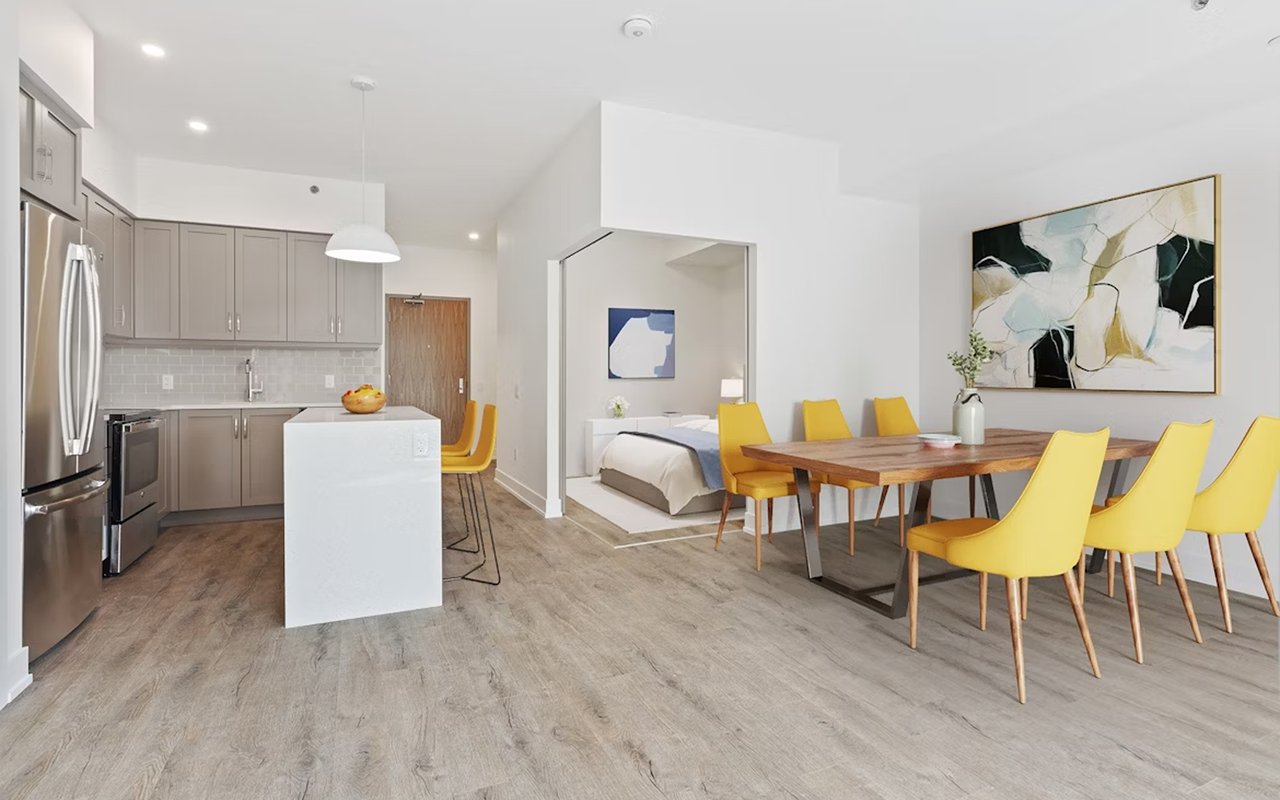
For condo owners, the math is different. If a second bedroom is your only option, consider how it doubles as a guest room and design accordingly. A Murphy bed combined with a floating desk setup allows the room to shift between both uses without feeling permanently compromised in either direction.
Questions To Ask Before Committing to a Room
- Does the room have a dedicated electrical circuit, or will you need an electrician to add outlets?
- How does natural light behave in this room throughout the day, and does it reach your monitor in a way that creates glare?
- How close is the room to your router, and can you run an Ethernet cable if the Wi-Fi signal is unreliable?
- Would closing the door to this room sufficiently reduce background noise during calls?
- Is there enough wall space for shelving and storage without the room feeling cramped?
Solving Connectivity Problems
One of the most common frustrations for many homeowners who work remotely is internet connectivity within the home itself. Older masonry construction, plaster-and-lath walls, and multi-story layouts can all create dead zones that no amount of router placement will fully solve. If your home office is on a different floor or at the opposite end of the house from your router, this needs to be addressed before anything else.
A hardwired Ethernet connection remains the gold standard for reliability. Running a cable through walls or along baseboards is a straightforward job for an electrician or a skilled professional and will eliminate the lag and dropped connections that come with Wi-Fi in a challenging building. If running cable is not feasible, a mesh network system like Eero or Google Nest Wi-Fi is worth the investment; these systems place multiple nodes throughout your home and create consistent coverage from room to room.
It is also worth checking whether your building or neighborhood is served by fiber internet providers such as Verizon Fios or RCN, both of which have substantial coverage across the District. Upgrading your internet plan is often less expensive than replacing your equipment and can make a difference in upload speeds, which matter especially on video calls.
Connectivity Upgrades Worth Prioritizing
- Installing a dedicated Ethernet drop in your home office for a direct, wired connection.
- Upgrading to a mesh Wi-Fi network if your home spans multiple floors or has thick masonry walls.
- Checking whether a fiber optic internet provider serves your address.
- Adding a battery backup or UPS device to protect your equipment during D.C.'s occasional summer storm outages.
Lighting Your Workspace Like a Professional
Lighting is the single most transformative upgrade you can make to a home office, and it is one of the most underestimated. Many D.C. homeowners rely entirely on a single overhead fixture, which creates harsh shadows, washes out video calls, and contributes to eye strain over long workdays.
Start with natural light. Rooms facing east tend to provide soft morning light that is easier to work in than the intense afternoon sun that pours through west-facing windows. If your office faces west, consider light-filtering shades that reduce glare without eliminating the brightness entirely. In D.C.'s rowhouses, where windows are often limited to the front and back of the home, mirrors placed opposite the windows can help bounce light deeper into the room.
Layer your artificial lighting with purpose. A ceiling light or recessed fixture handles ambient light, while a dedicated task lamp positioned to the side of your monitor reduces screen glare. A separate, softer light source placed behind your monitor or to the side at head height improves how you look on camera. Bias lighting behind the monitor also reduces eye fatigue during long hours on screen.
Lighting Elements That Make a Real Difference
- A ring light or softbox positioned at eye level and slightly off-center for video calls.
- Adjustable color temperature bulbs that shift from cooler, more energizing light during the day to warmer tones in the evening.
- Task lighting on a separate switch from overhead lighting, so you can control each independently.
- Blackout or light-filtering shades on west-facing windows to manage afternoon glare without sacrificing the room's brightness.
Soundproofing in an Attached City
Washington, D.C., is a dense, convenient city, which is one of the things that makes it wonderful to live in. It also means that many homes share walls, sit close to busy streets, or face the ambient noise of an urban environment. If your home office is in a rowhouse on a lively block or in a condo with neighbors above and below, soundproofing is imperative.
Start with the basics: rugs, heavy curtains, and upholstered furniture absorb sound and reduce echo within the room itself. A bookshelf filled with books on a shared wall acts as natural insulation. Acoustic panels, which now come in designs that look intentional rather than industrial, can be mounted on walls to reduce the reverb that makes voices sound hollow on calls.
For more serious noise transmission, door draft stoppers, acoustic door sweeps, and even adding a second layer of drywall with resilient clips on a shared wall can make a meaningful difference.
Soundproofing Solutions From Simple to Substantial
- Adding a large area rug and heavy curtains to reduce echo within the room.
- Placing a full bookshelf against a shared wall as a low-cost noise buffer.
- Installing acoustic panels in a design that complements your decor rather than detracting from it.
- Using an acoustic door sweep to block hallway noise from entering during calls.
FAQs
Does a Dedicated Home Office Add Value to a D.C. Home?
Yes, in most cases. Buyers in Washington, D.C., consistently list a dedicated workspace as a priority, particularly since hybrid work arrangements have become the norm in many cases. A room that functions convincingly as an office, with sufficient lighting, clean storage, and a proper door, is a meaningful selling point. Even a well-staged office in a smaller home or condo can signal move-in readiness in a way that generic spare rooms do not.
How Do I Handle a Small Home Office in a D.C. Rowhouse?
Focus on vertical space. Wall-mounted shelving, floating desks, and storage that goes to the ceiling are all practical ways to maximize a compact room. Keep the color palette light to make the room feel larger, and avoid overcrowding the floor with furniture. A smaller room that is intentionally designed will feel more professional and functional than a larger room that is poorly organized.
How Do I Make My Home Office Look Professional on Video Calls?
Keep the area behind you clean and intentional. A well-organized bookshelf, a piece of artwork, or a neutral painted wall all read as polished backgrounds. Avoid positioning your desk so that a window is behind you, since it will backlight your face and make you appear as a silhouette. Position yourself with light coming from in front of or to the side of your face, and make sure your camera is at eye level rather than pointing up from a low laptop position.
Build a Workspace Worth Coming Home To
Your home office is more than a place to send emails. When it is designed thoughtfully, it supports everything you need.
Whether you are renovating a rowhouse, outfitting a condo, or turning a spare room in a townhouse into something truly functional, the principles are the same: prioritize connectivity, light your space properly, manage sound, and design storage that keeps things looking sharp.
If you are buying or selling in Washington, D.C., and want to understand how a dedicated home office affects value or what to look for in your next property, reach out to
The Tom Buerger Team. We are here to help you find a home that works for the life you are actually living.